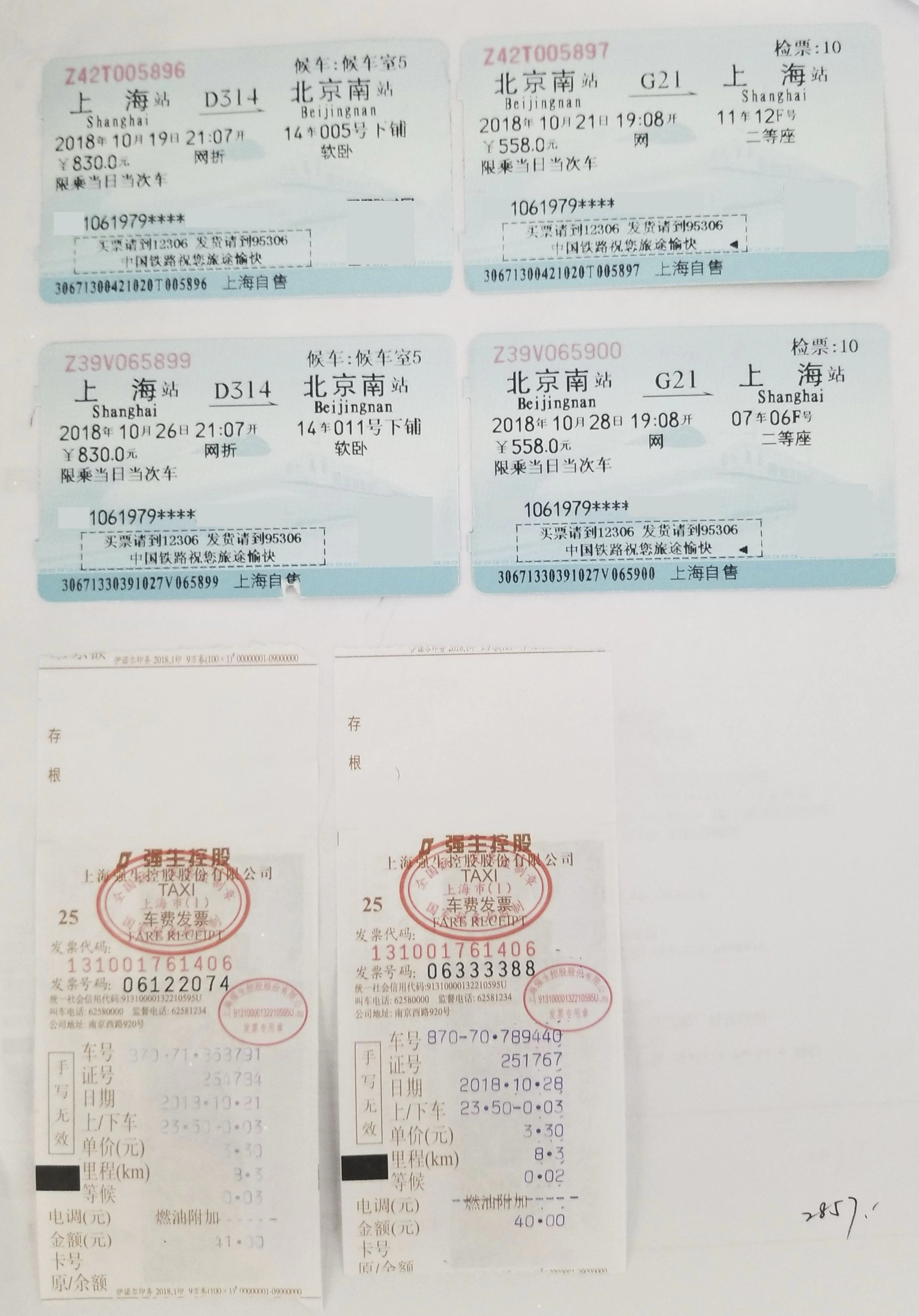
import requests
import json

def upload_with_crop(file_path, workspace_id, app_id, secret_code):
    """
    Upload file and enable multi-image cropping function
    """
    url = "https://docflow.textin.ai/api/app-api/sip/platform/v2/file/upload"

    headers = {
        "x-ti-app-id": app_id,
        "x-ti-secret-code": secret_code
    }

    params = {
        "workspace_id": workspace_id,
        "crop_flag": "true"  # Enable multi-image cropping function
    }

    with open(file_path, 'rb') as file:
        files = {'file': file}
        response = requests.post(url, headers=headers, params=params, files=files)

    return response.json()

def fetch_crop_results(workspace_id, batch_number, app_id, secret_code):
    """
    Query multi-image cropping results
    """
    url = "https://docflow.textin.ai/api/app-api/sip/platform/v2/file/fetch"

    headers = {
        "x-ti-app-id": app_id,
        "x-ti-secret-code": secret_code
    }

    params = {
        "workspace_id": workspace_id,
        "batch_number": batch_number
    }

    response = requests.get(url, headers=headers, params=params)
    return response.json()

def parse_crop_coordinates(from_parent_position_list):
    """
    Parse cropping coordinate information
    Coordinate format: [x1, y1, x2, y2, x3, y3, x4, y4]
    Represents the four vertex coordinates of a rectangle
    """
    if len(from_parent_position_list) != 8:
        return None

    coordinates = {
        "top_left": (from_parent_position_list[0], from_parent_position_list[1]),
        "top_right": (from_parent_position_list[2], from_parent_position_list[3]),
        "bottom_right": (from_parent_position_list[4], from_parent_position_list[5]),
        "bottom_left": (from_parent_position_list[6], from_parent_position_list[7])
    }

    # Calculate bounding box
    x_coords = [coord[0] for coord in coordinates.values()]
    y_coords = [coord[1] for coord in coordinates.values()]

    bbox = {
        "x_min": min(x_coords),
        "y_min": min(y_coords),
        "x_max": max(x_coords),
        "y_max": max(y_coords),
        "width": max(x_coords) - min(x_coords),
        "height": max(y_coords) - min(y_coords)
    }

    return {"coordinates": coordinates, "bbox": bbox}

# Usage example
if __name__ == "__main__":
    # Configuration information
    WORKSPACE_ID = "your-workspace-id"
    APP_ID = "your-app-id"
    SECRET_CODE = "your-secret-code"
    FILE_PATH = "/path/to/multi-image-document.pdf"

    # Upload file and enable multi-image cropping
    upload_result = upload_with_crop(FILE_PATH, WORKSPACE_ID, APP_ID, SECRET_CODE)
    print("Upload result:", json.dumps(upload_result, indent=2, ensure_ascii=False))

    # Get batch number
    batch_number = upload_result.get("result", {}).get("batch_number")

    if batch_number:
        # Query multi-image cropping results
        fetch_result = fetch_crop_results(WORKSPACE_ID, batch_number, APP_ID, SECRET_CODE)
        print("Multi-image cropping result:", json.dumps(fetch_result, indent=2, ensure_ascii=False))

        # Parse coordinate information
        files = fetch_result.get("result", {}).get("files", [])
        for file in files:
            child_files = file.get("child_files", [])
            for child in child_files:
                if child.get("task_type") == 3:  # Sub-file generated by multi-image cropping
                    position_list = child.get("from_parent_position_list")
                    if position_list:
                        coord_info = parse_crop_coordinates(position_list)
                        print(f"Coordinate information for sub-file {child.get('name')}:", coord_info)